


A post during your commute
Share a useful post from a compatible social app. Open its source on Mac when you are ready to check the details.
 CarryOver
Save links, text and images from the Share menu on iPhone or iPad. Pick them up on Mac when you're ready to act.
Get CarryOver for iPhone, iPad and Mac on the App Store.

iPhoneiPadMac
Save links, posts and ideas from the Share menu
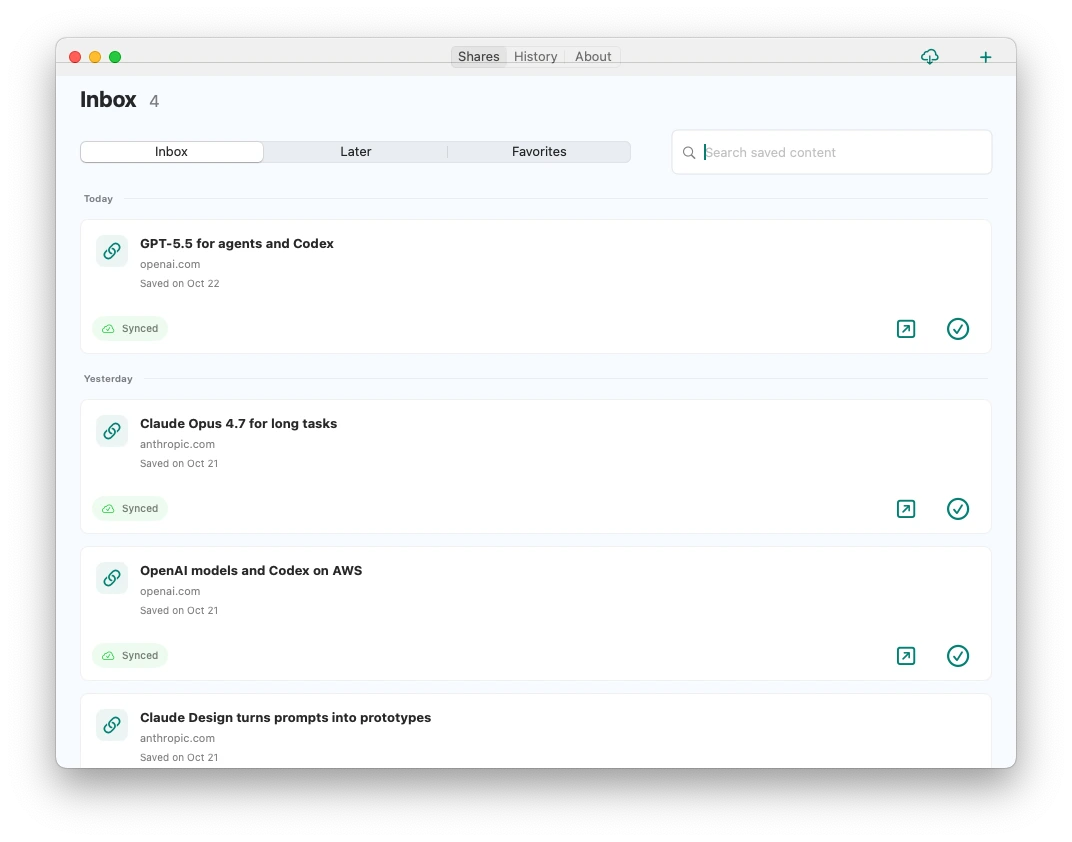
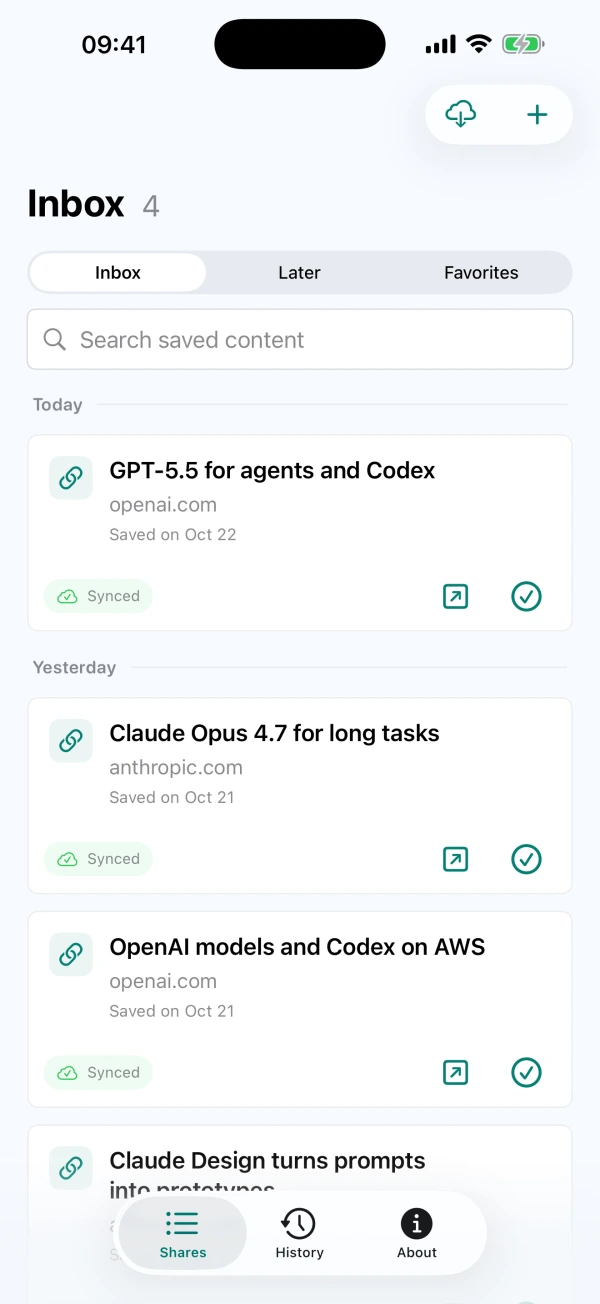
Unfinished items stay in your inbox
Open the source, research and follow up when you're ready
CarryOver is a save-for-later inbox for iPhone, iPad and Mac. Capture a post, a reference or an idea while browsing, then return on Mac when you have time to review, research and follow up.
Share a useful post from a compatible social app. Open its source on Mac when you are ready to check the details.
Save a link from Safari for later research, whether it is an AI announcement or a design reference. Favorite it and find the saved title, text or URL later.
Add a note manually after a conversation. Set a reminder, pick it up later and mark it done when you have followed through.
Use the system Share menu in apps that share supported text, links or images. You can also add a note manually in CarryOver.
Unfinished items stay in your inbox regardless of age. Favorite important finds, then mark them done when you have handled them.
Search titles, saved text and source URLs on iPhone, iPad and Mac, across your inbox and History.
Completed items move to History. Restore an item to the inbox when you need to pick it up again.
Set a date and time and allow system notifications. Tap the reminder to open the saved item and continue.
iCloud sync connects iPhone, iPad and Mac signed in to the same Apple Account. Network and iCloud conditions can delay syncing.
It saves the text, links or images that the source app actually shares. A social post may be shared as a link rather than its full content. Web links open the original page, not a full-text offline copy; internet access or a login may be required.
Items are saved locally first. Cross-device sync needs the same Apple Account, iCloud enabled and an internet connection. Check the sync status and retry if needed; syncing is not guaranteed to be immediate.
The current version has no daily save limit and does not require a separate Pro upgrade. Check the App Store for availability and pricing in your region. Read help